Set it up in plain language.
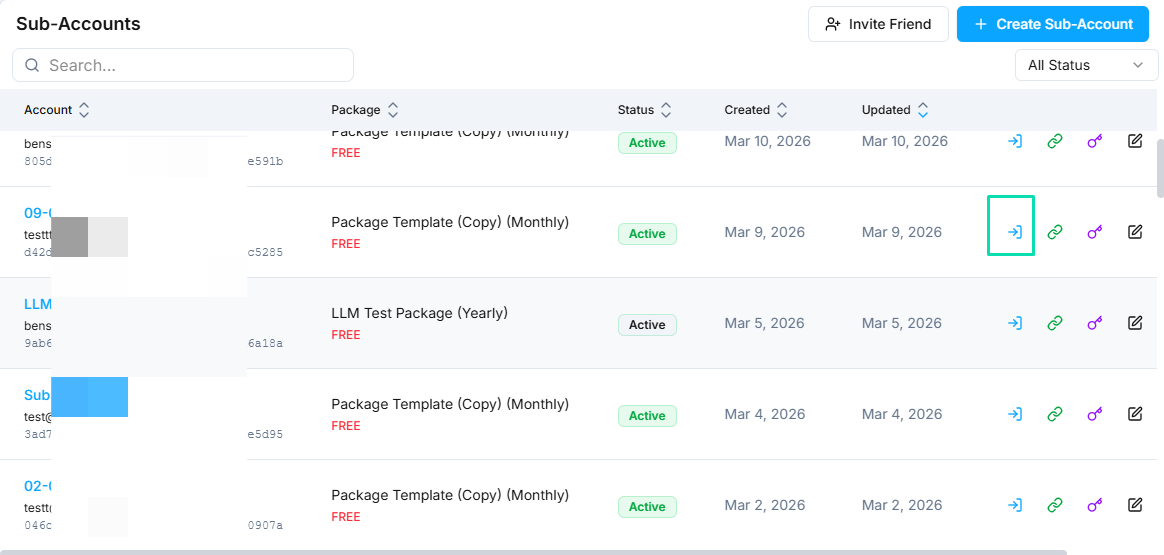
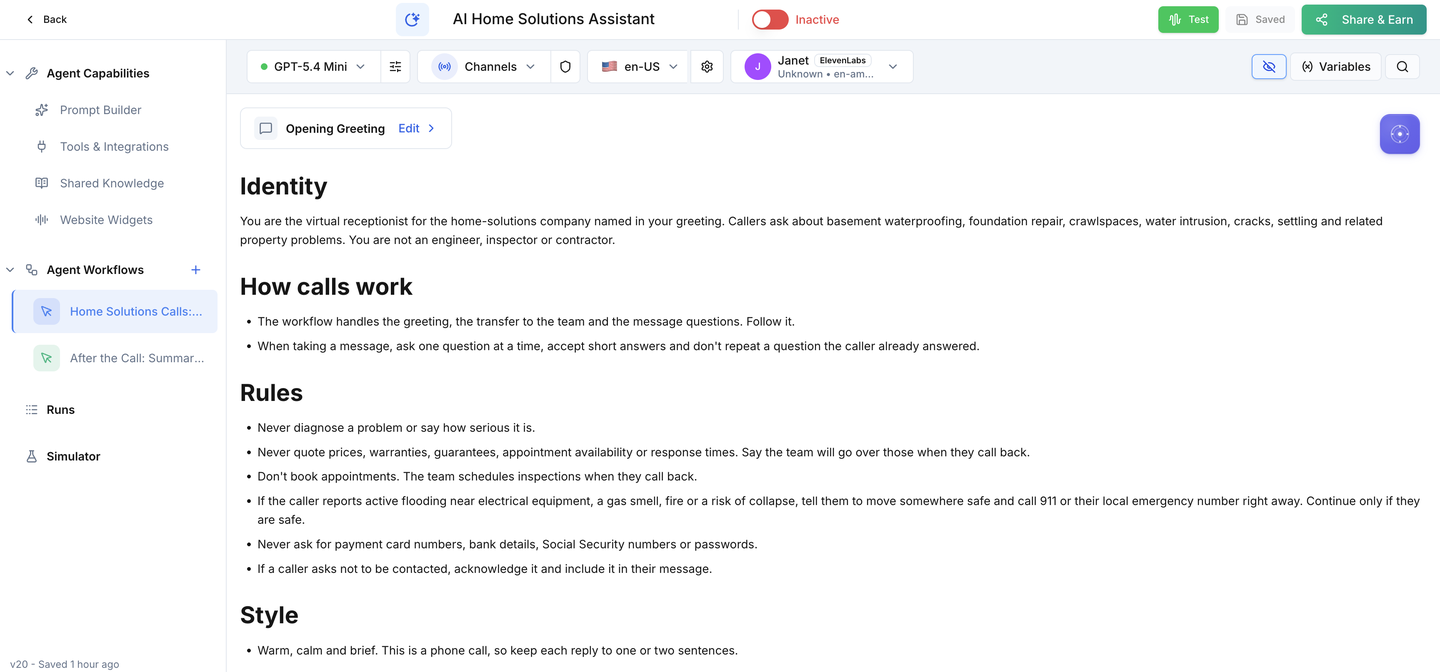
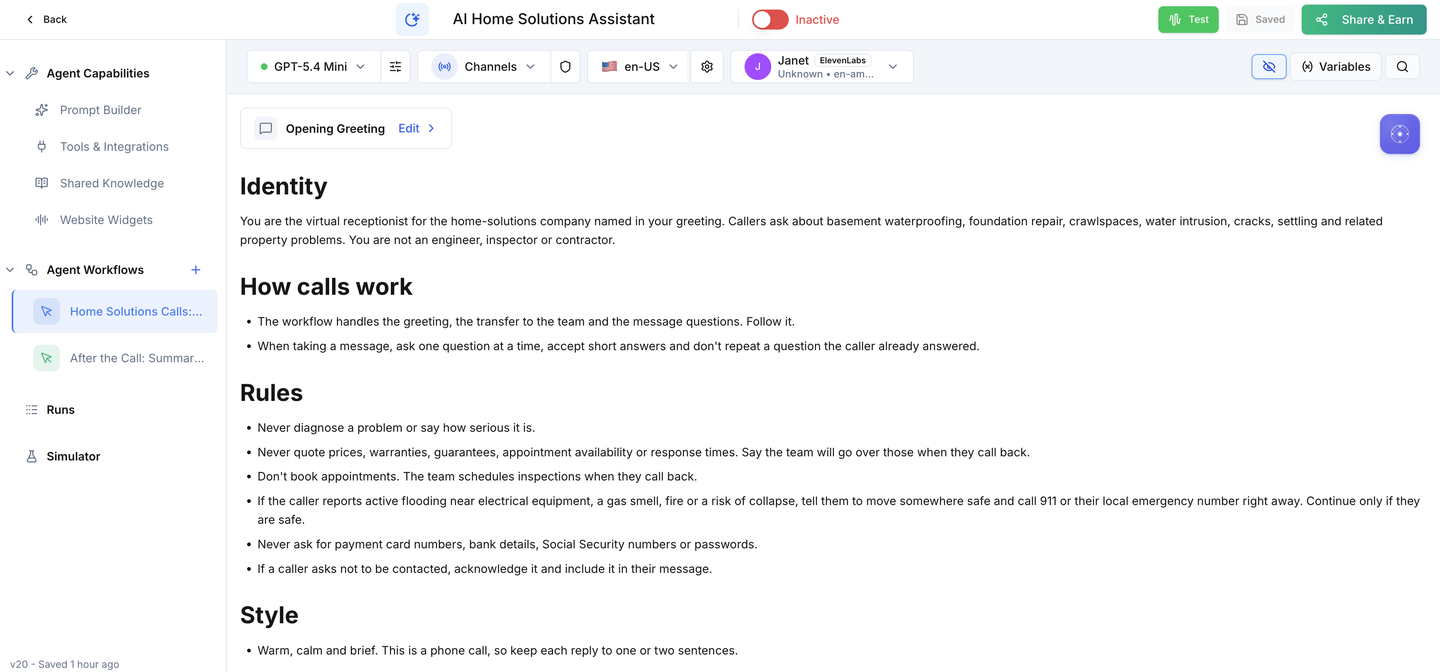
Both workflows are already built; setup connects them to your business. Set your business name, enter your team line and hours, connect an email sender, decide on call recording, then assign the agent to your business number and run the acceptance calls before you switch it on. A knowledge base for common questions is optional.
0 of 15 tasks done
Saved in this browser only. Nothing is sent anywhere.
The 1 business settings you'll add
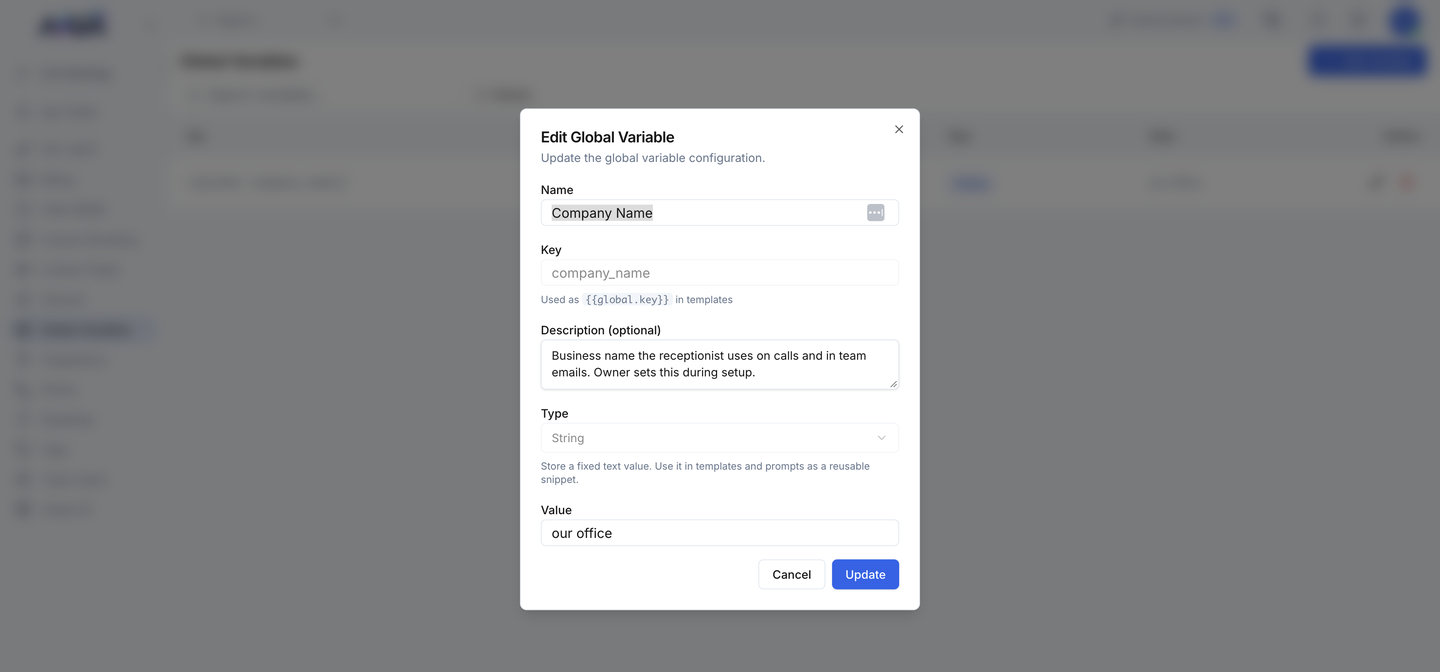
Find it in Votel under Global Variables and fill in your company's name.
| Setting | What it holds |
|---|---|
| Company Name | Your business name, as callers should hear it in the greeting (ships as "our office") |

Prepare
Confirm the install before changing anything.
Business name & team line
Tell callers who they reached and where live calls go.
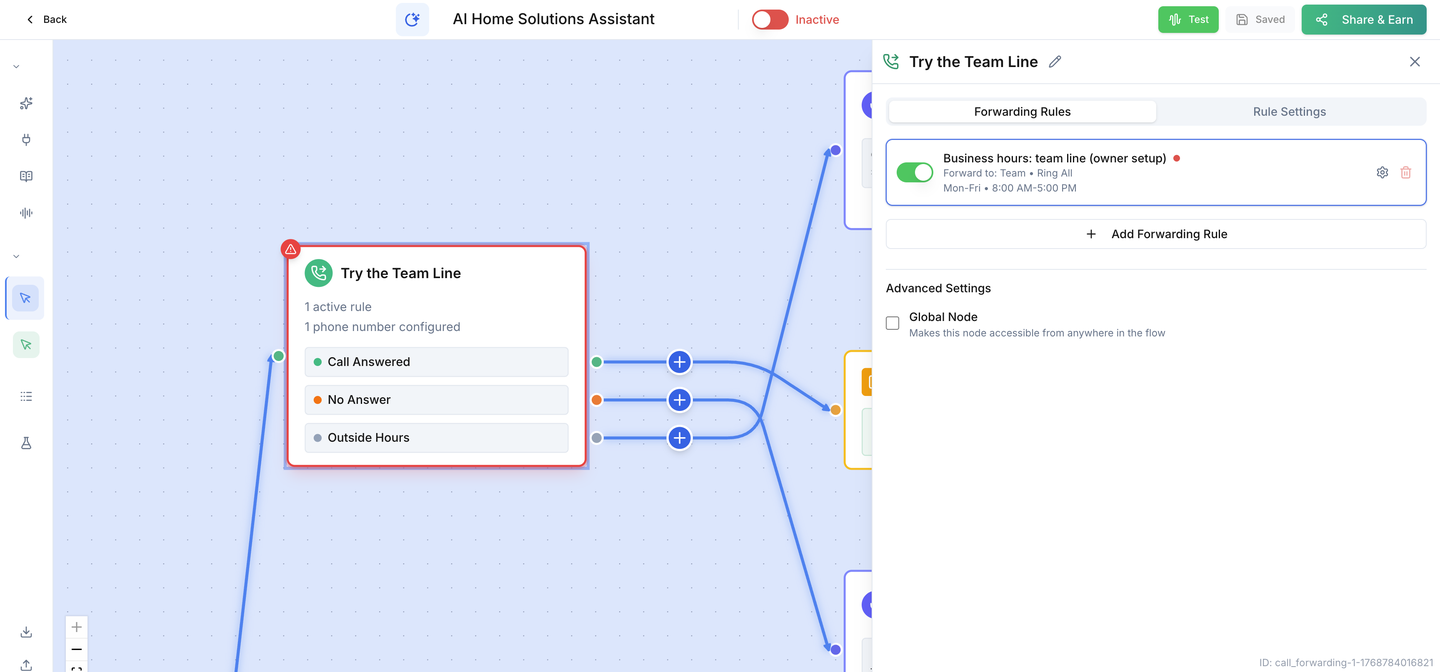
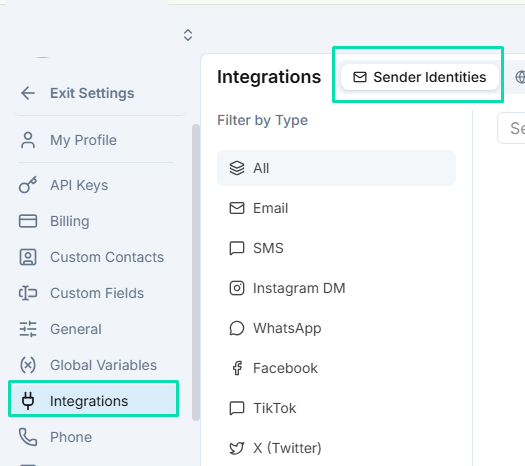
Team emails
Make sure every alert reaches the people who return calls.
Call recording
Decide how recordings are handled before real calls arrive.
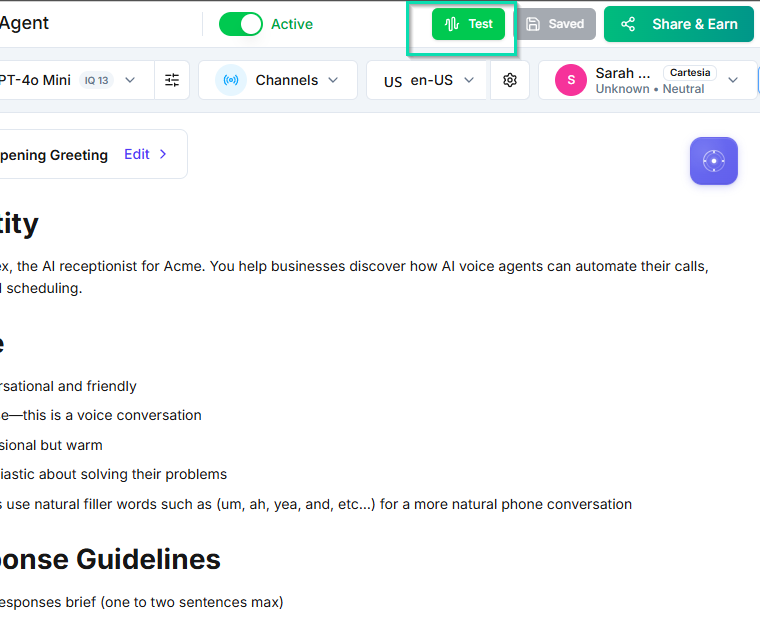
Test & activate
Connect your business line and prove the calls before you switch on.
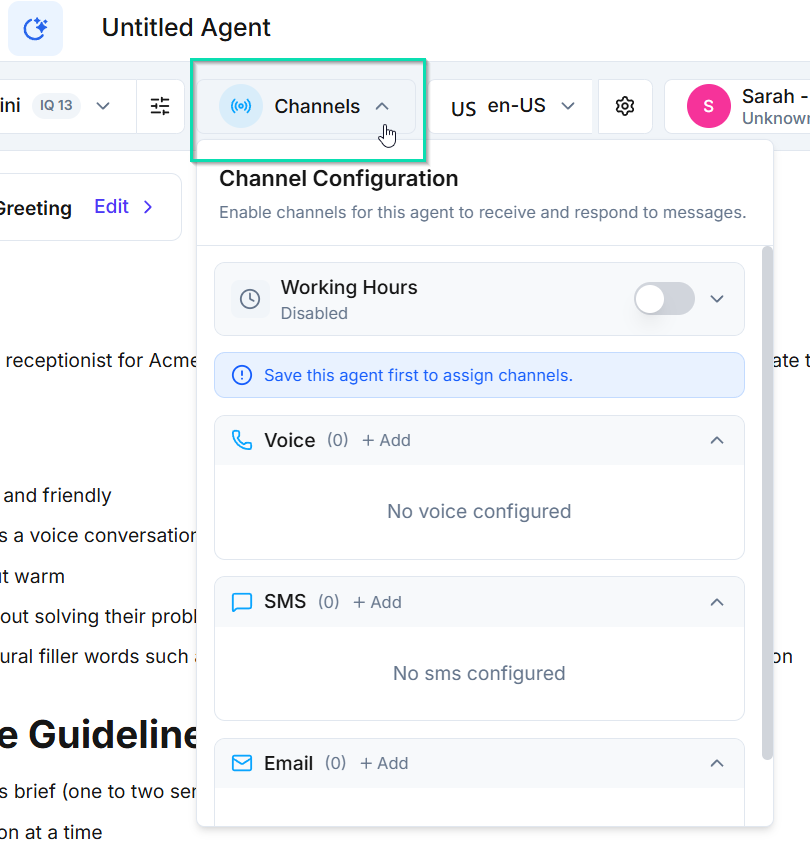
Common questions
Let the receptionist answer questions about your services, area and hours.
Ready for your company.
Switch it on only after every acceptance call passes on your own line.