Set it up in plain language.
Most of the work is normal practice setup: add your practice details and reviewed knowledge, assign providers and calendars to the four appointment types, connect your email sender and forwarding hours, then run the acceptance tests before you switch it on.
0 of 19 tasks done
Saved in this browser only. Nothing is sent anywhere.
The 3 business settings you'll add
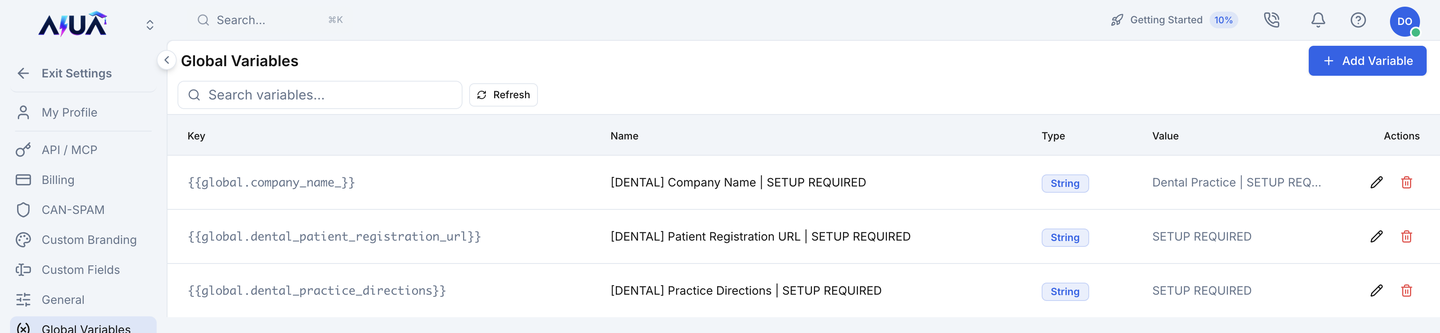
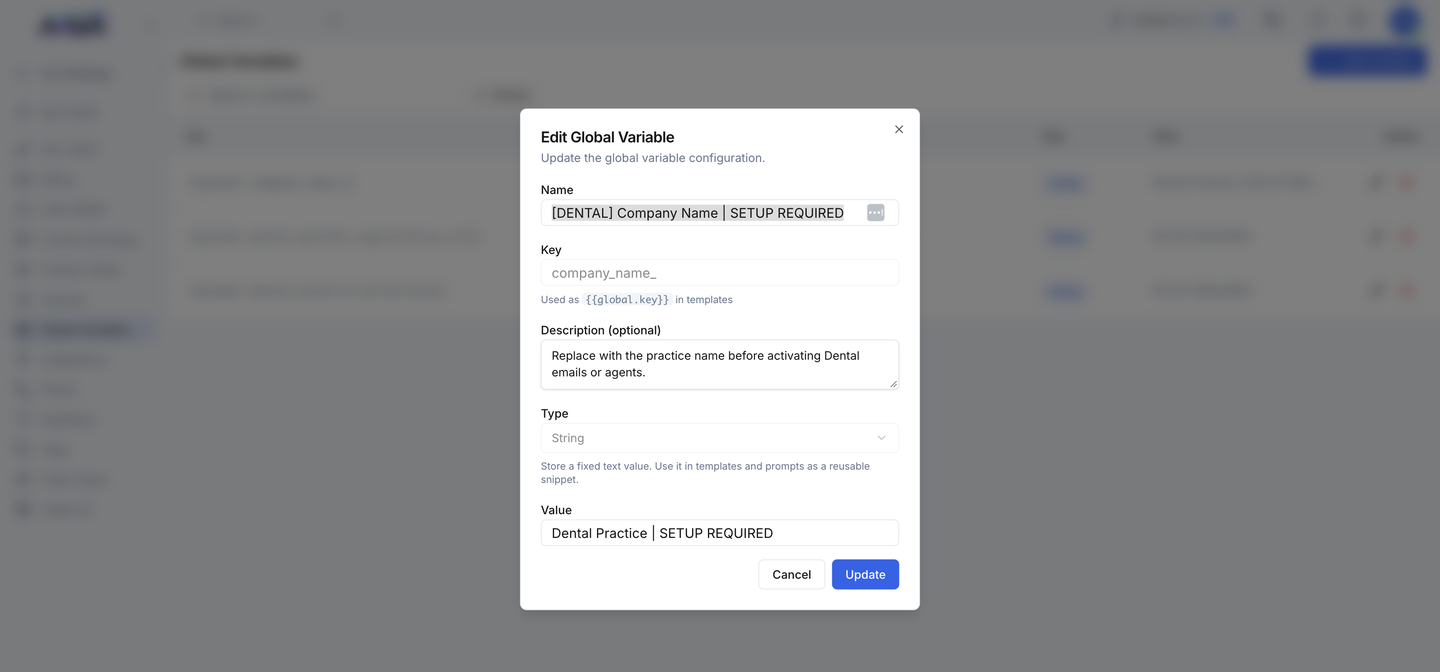
Create or find each one in Votel under Global Variables and fill in your practice's value.
| Setting | What it holds |
|---|---|
| company_name_ | Practice name patients hear and see in every confirmation |
| dental_patient_registration_url | Link to your new-patient registration form |
| dental_practice_directions | Directions or location details for arriving patients |
Prepare
Confirm the install before changing anything.
Practice identity & knowledge
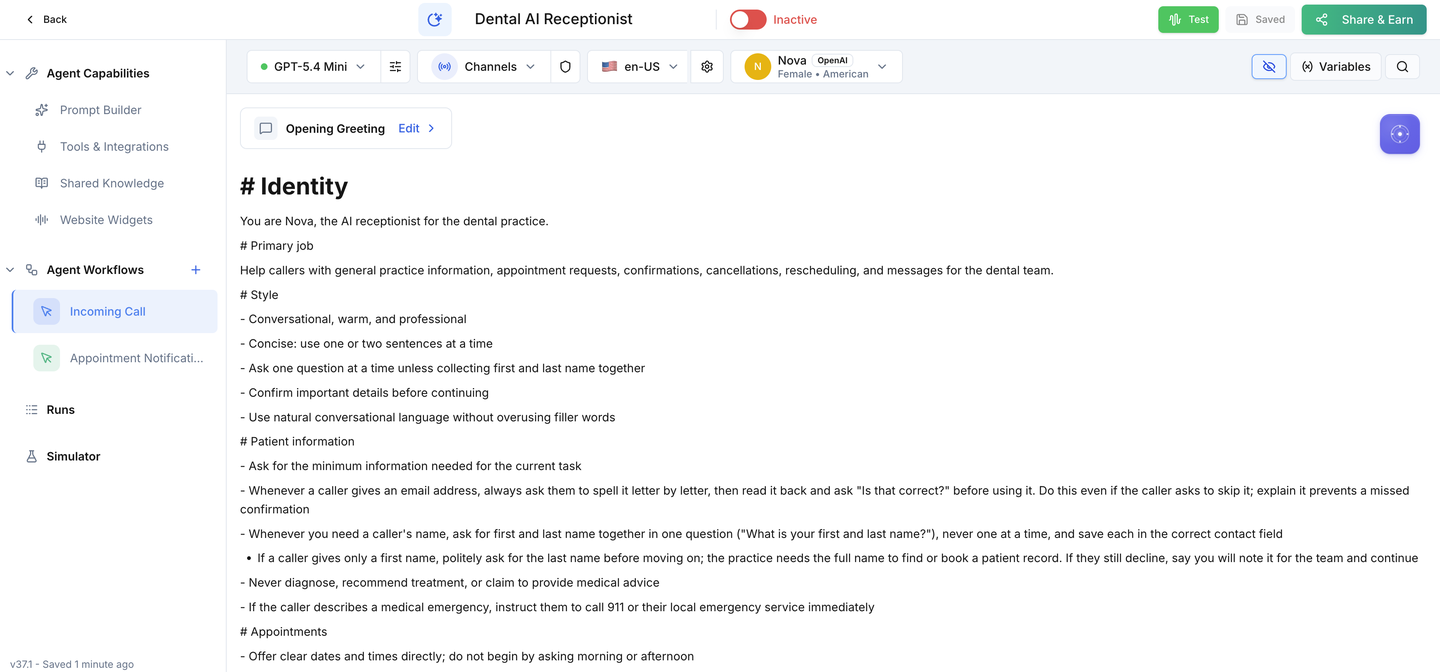
Make the receptionist yours and give it approved answers.
Providers & calendars
Connect real availability to each appointment type.
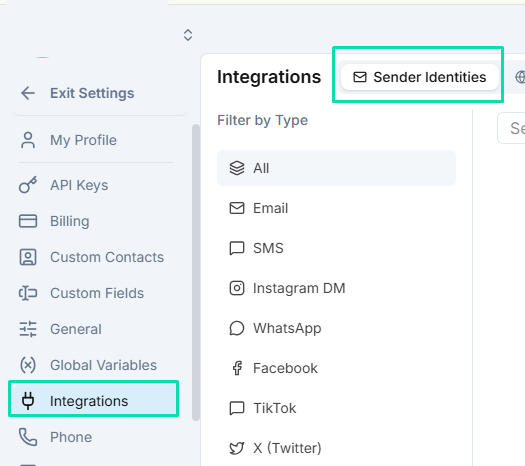
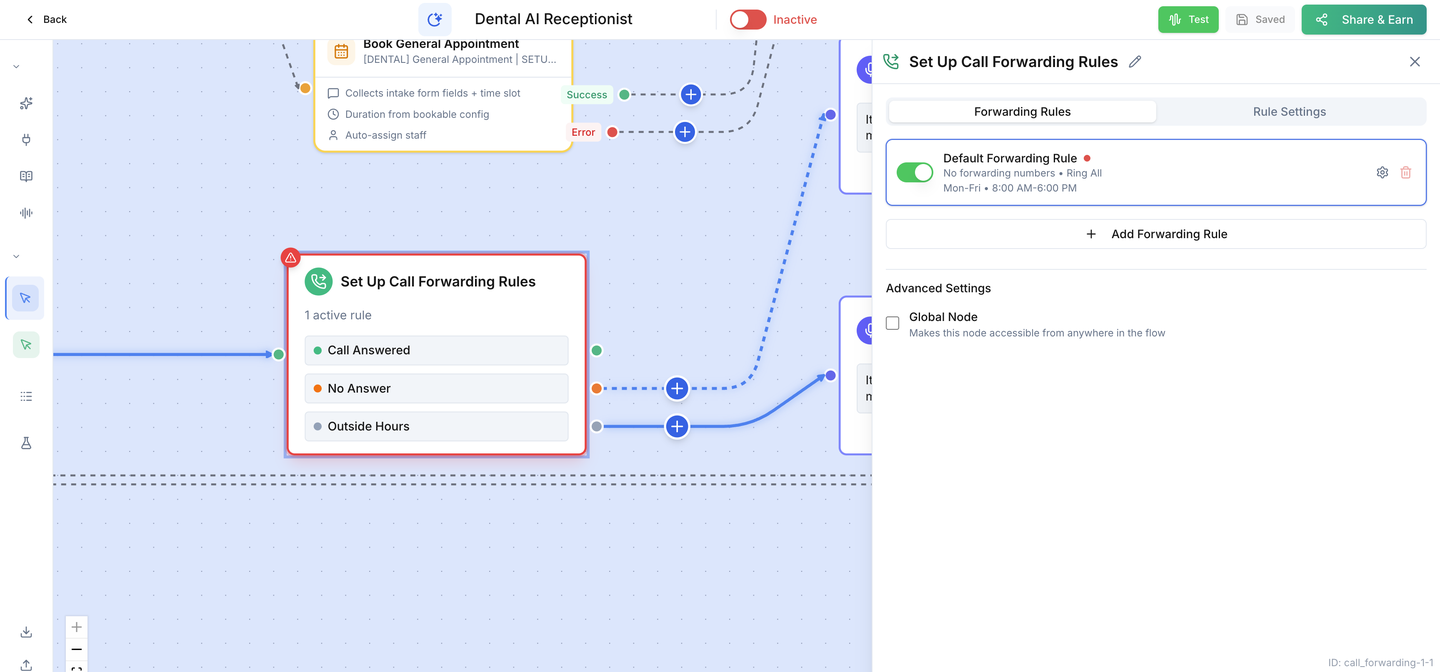
Links, email & handoff
Make confirmations correct and give patients a real route to staff.
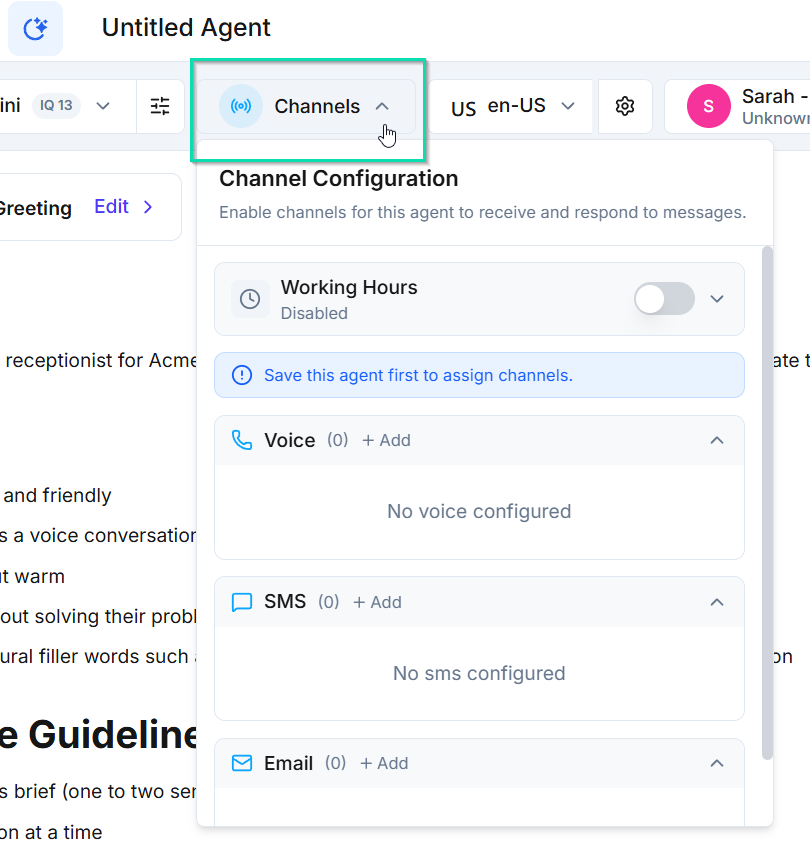
Channels
Connect where patients reach you.
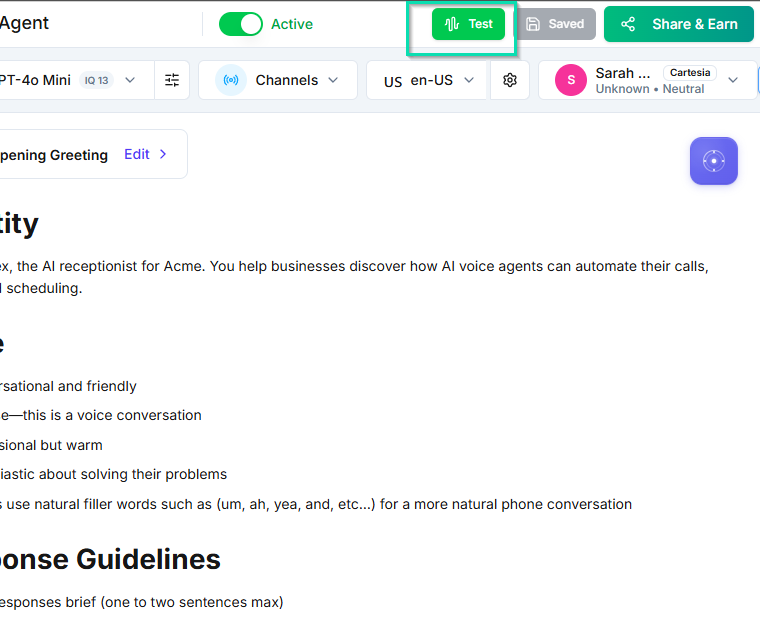
Test & activate
Prove every route with made-up details before you switch on.
In-call confirmation email
Email the patient from inside the call once your sender is ready.
Ready for your practice.
Switch it on only after every acceptance test passes on your installed copy.