Set it up in plain language.
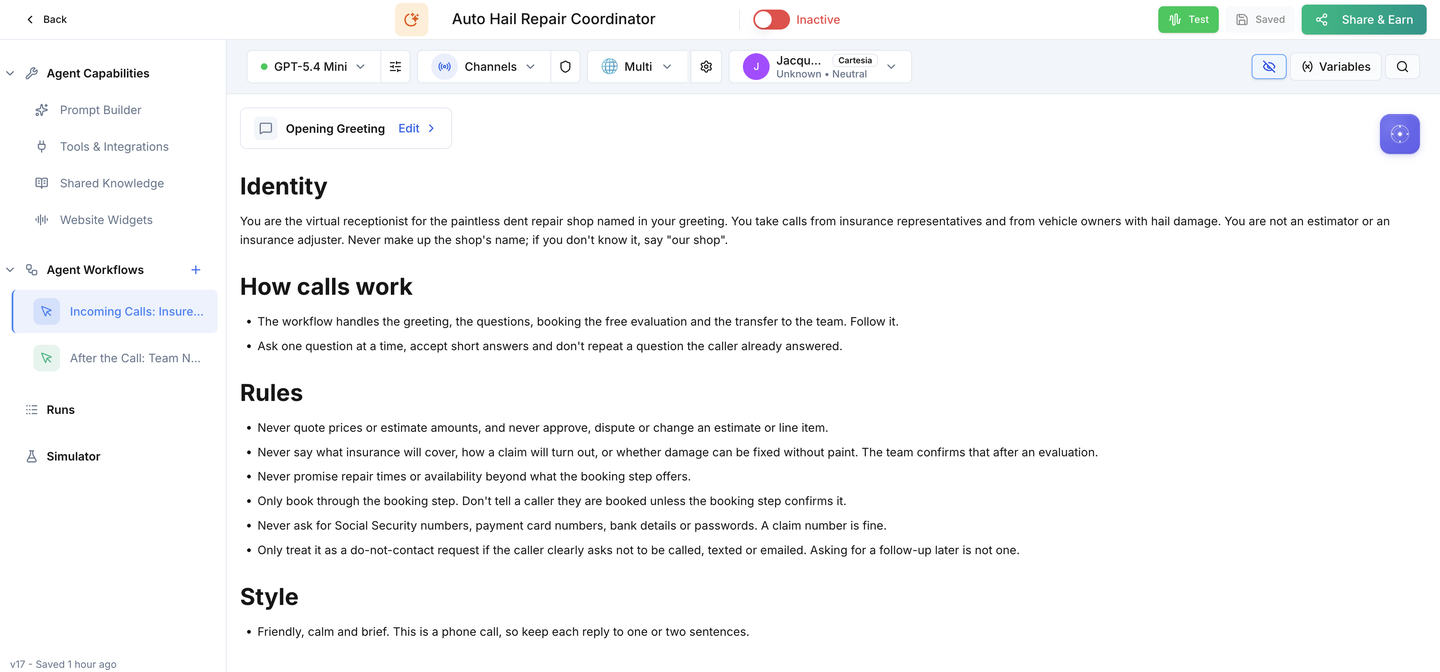
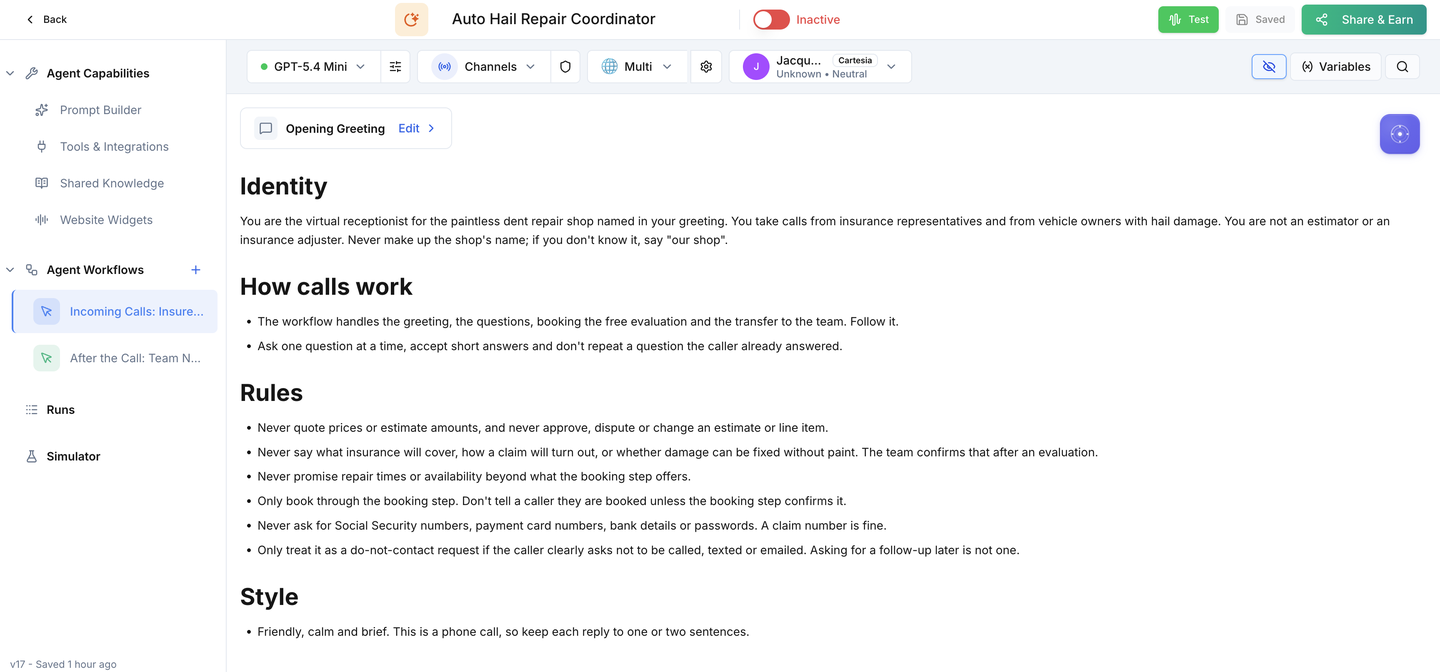
Both workflows and the evaluation booking are already built. Setup connects them to your shop: your shop name, the team line and hours, the evaluation booking, email and SMS, and your shop phone number. Then run the acceptance calls and switch it on.
0 of 19 tasks done
Saved in this browser only. Nothing is sent anywhere.
The 1 business settings you'll add
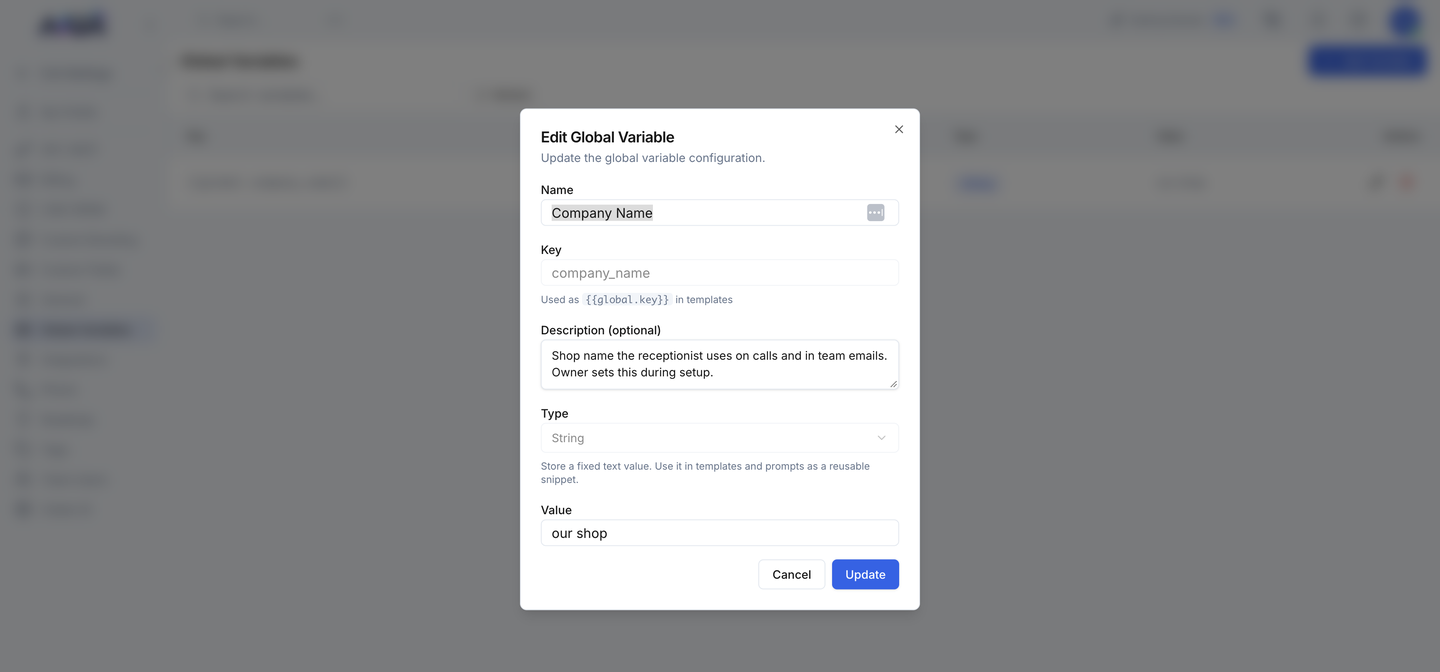
Find it in Votel under Global Variables and fill in your shop's name.
| Setting | What it holds |
|---|---|
| Company Name | Your shop name as callers hear it in the greeting (ships as "our shop") |

Prepare
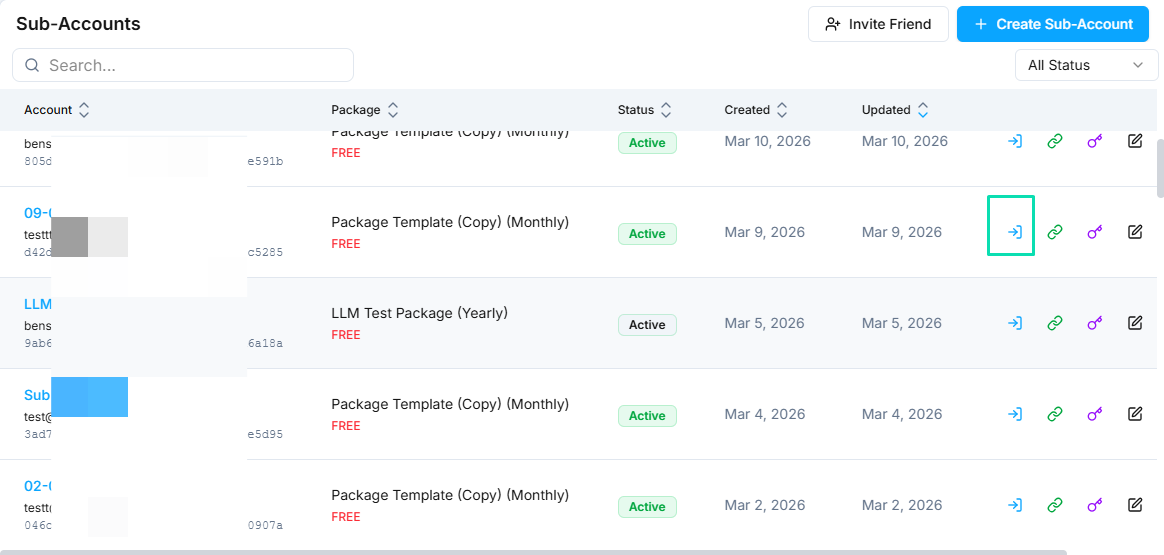
Confirm the install before changing anything.
Shop name
Tell callers who they reached.
Team line
Decide where transfers go and when.
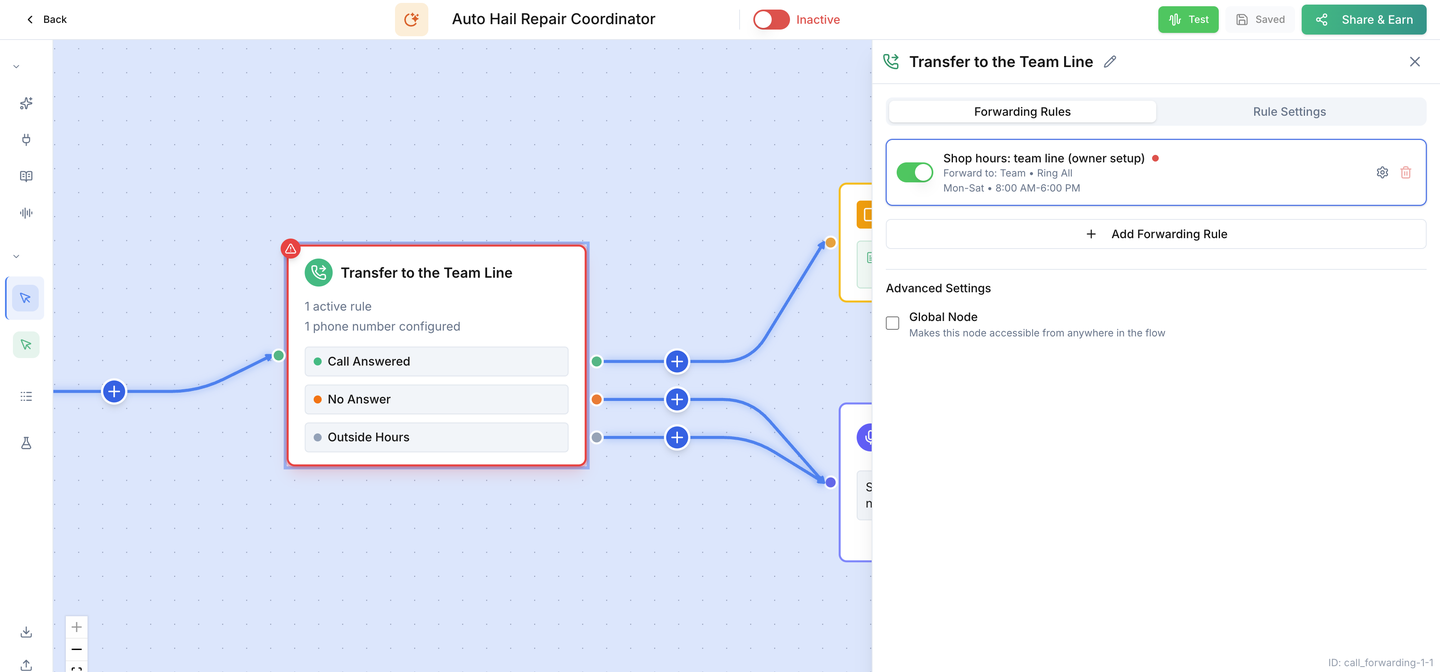
Evaluation booking
Make the free evaluation bookable.
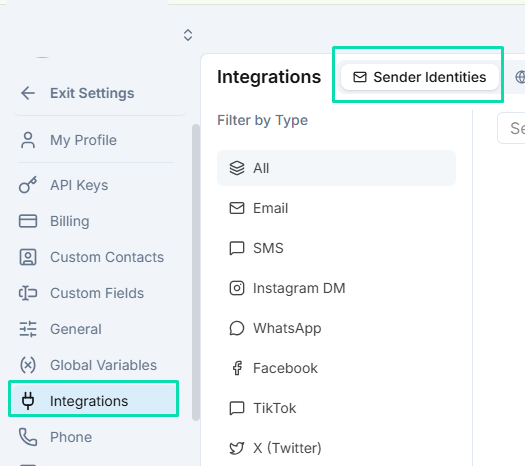
Email and SMS
Send team emails and booking texts from your own accounts.
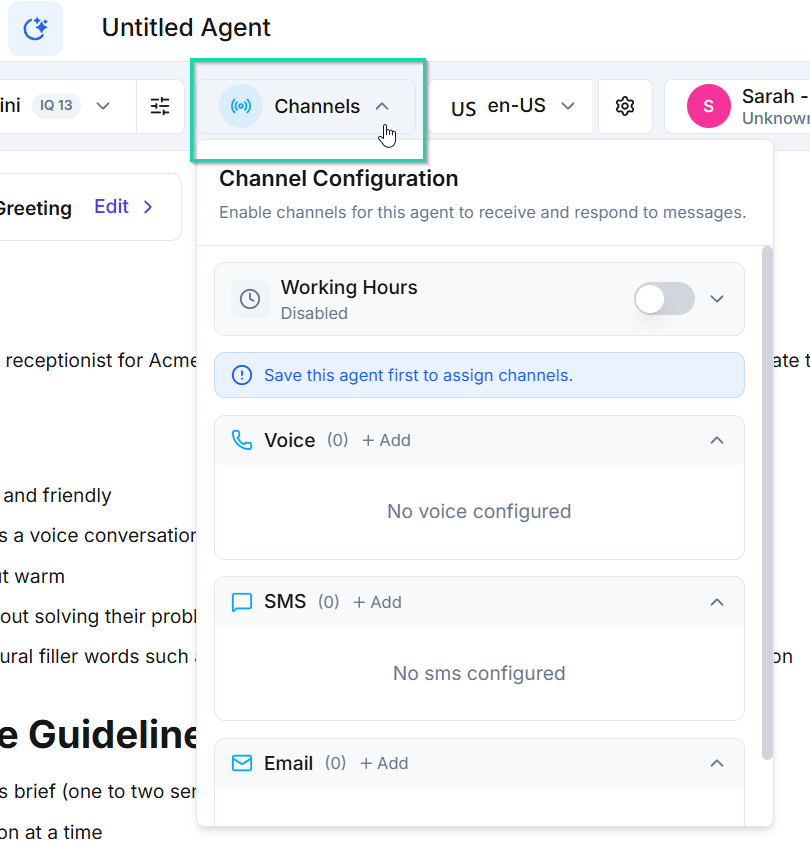
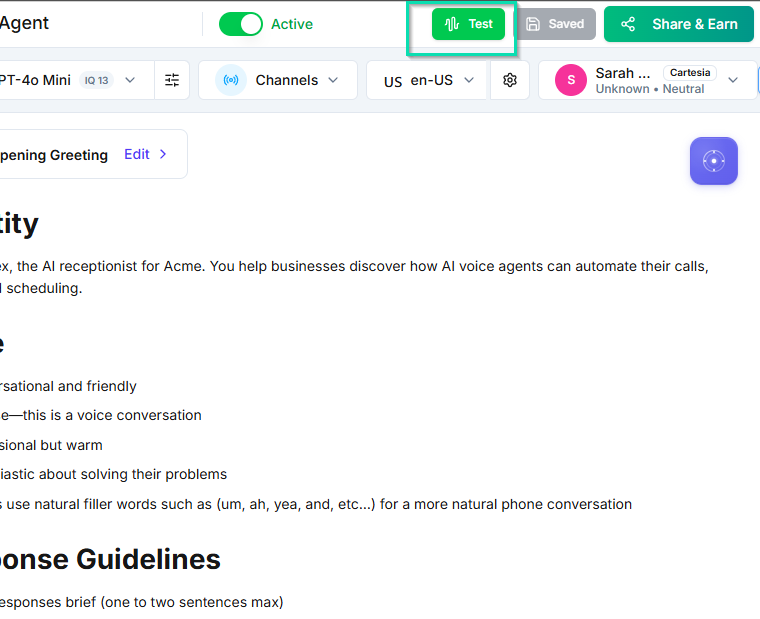
Shop line, test & activate
Connect the number callers dial, prove every path, then switch on.
Hail and PDR FAQs
Let the receptionist answer common questions in your words.
Ready for hail season.
Switch it on only after every acceptance call passes on your installed copy.