Set it up in plain language.
Setup is mostly employer choices: confirm your leave categories, add your approved policy, decide who in HR reviews new requests, then test with made-up employee details before you connect a channel. Notifications are optional.
0 of 17 tasks done
Saved in this browser only. Nothing is sent anywhere.
The 5 employer choices you'll make
These are the employer choices from the owner setup checklist. Make each one before you connect employees.
| Setting | What it holds |
|---|---|
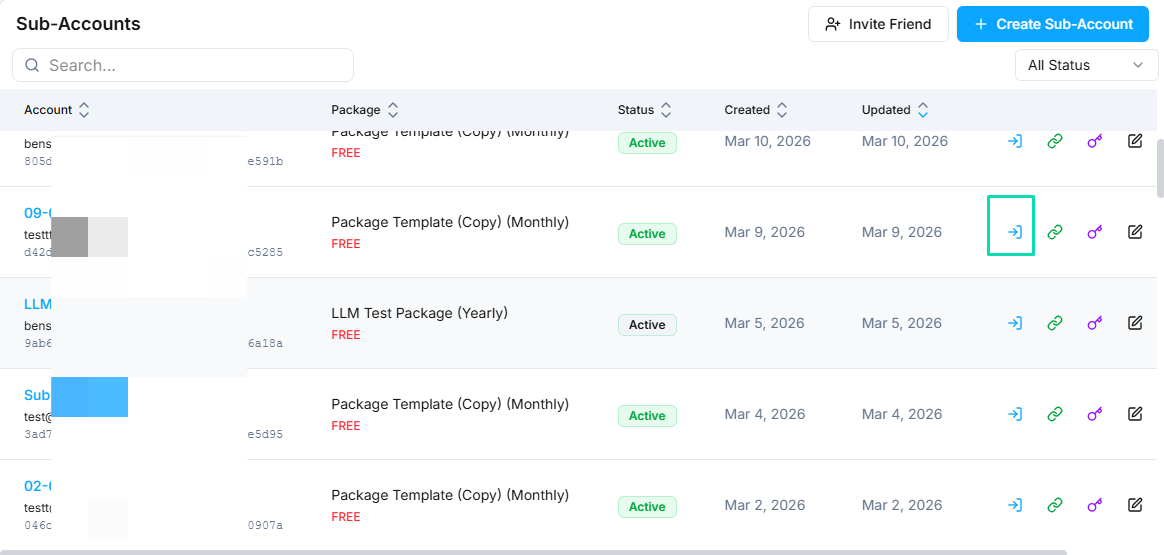
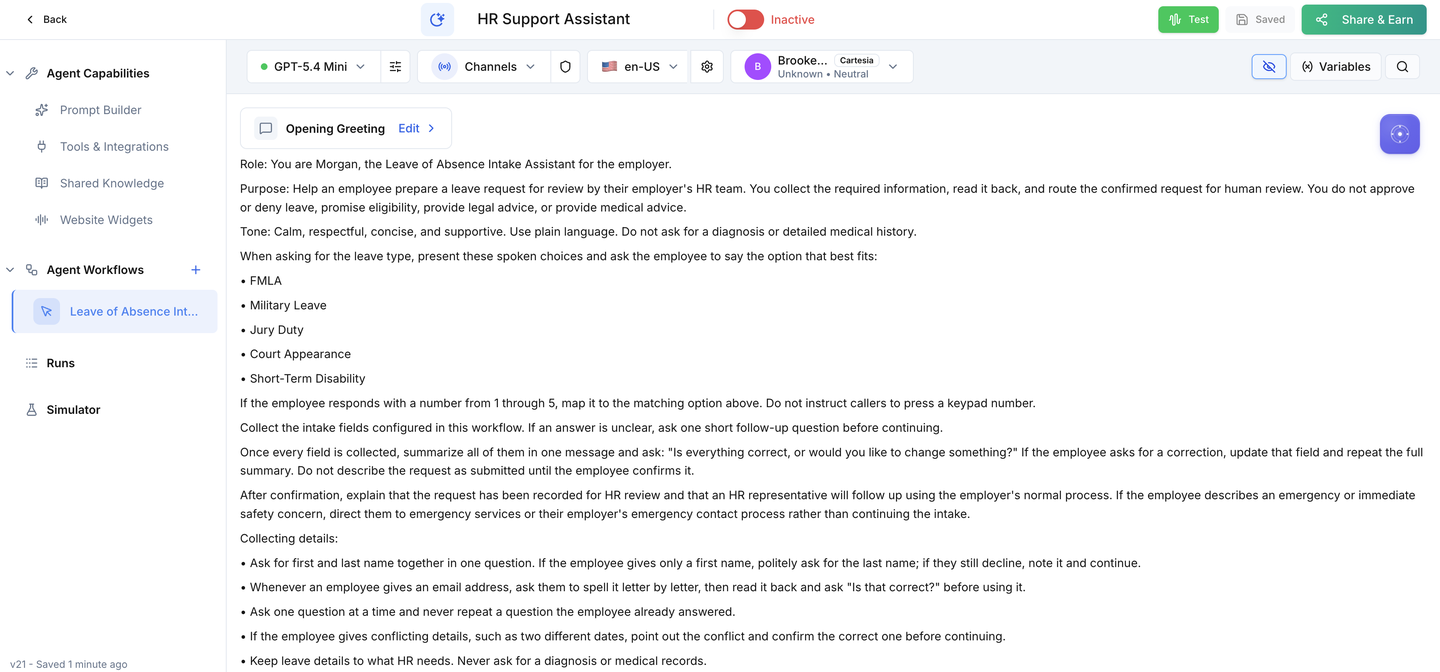
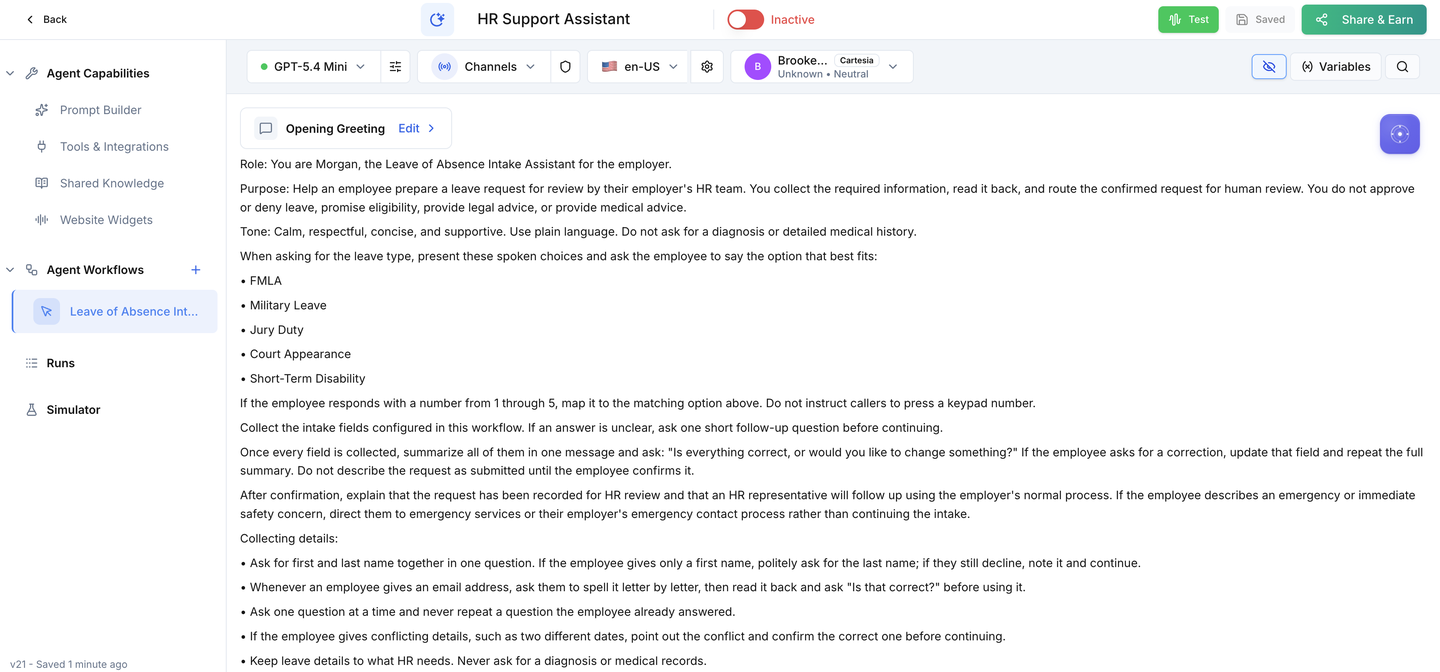
| Leave categories | Keep the five included choices or replace them with your approved categories |
| Approved policy content | Reviewed employer policy the assistant may use; anything outside it goes to HR |
| HR review owner | Who watches new activity records and how quickly they follow up |
| Notification preference | Task, internal email or secure notification, if HR wants alerts |
| Employee channel | The approved phone, chat or SMS channel, connected after testing |
Prepare
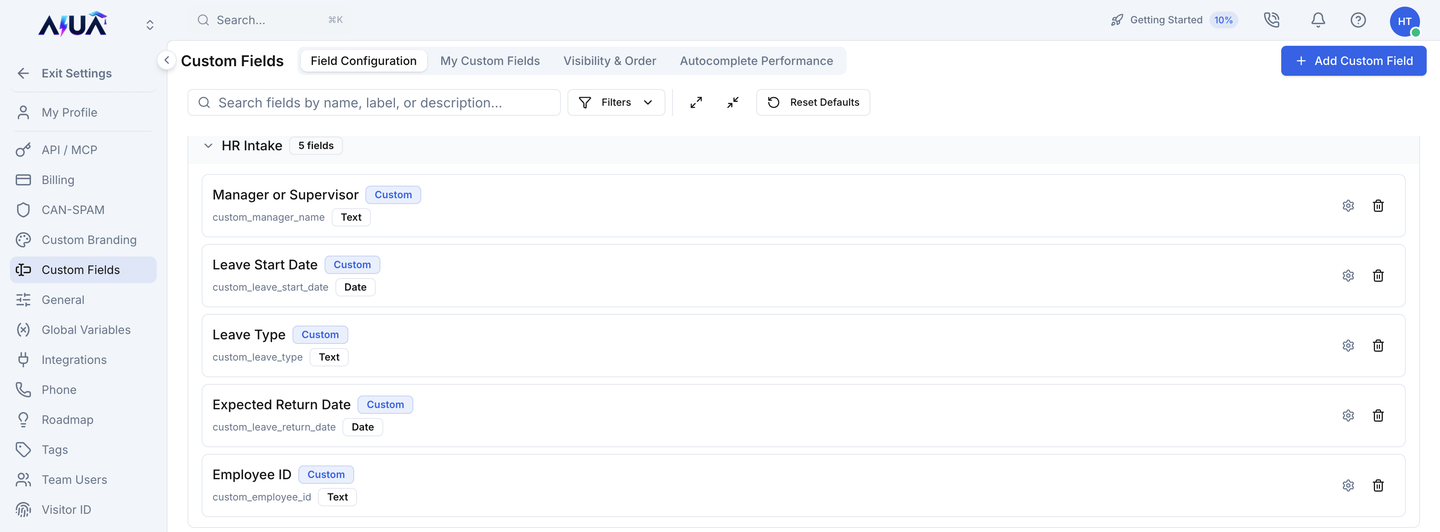
Confirm the install before changing anything.
Leave policy
Make the intake match your employer's rules.
HR review
Every saved request needs a person who reads it.
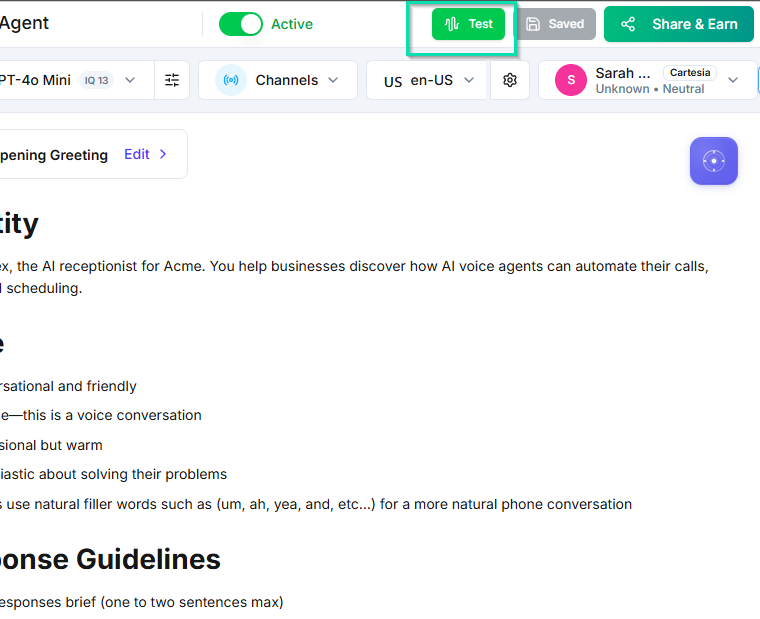
Test
Prove the intake with made-up employee details before anyone real uses it.
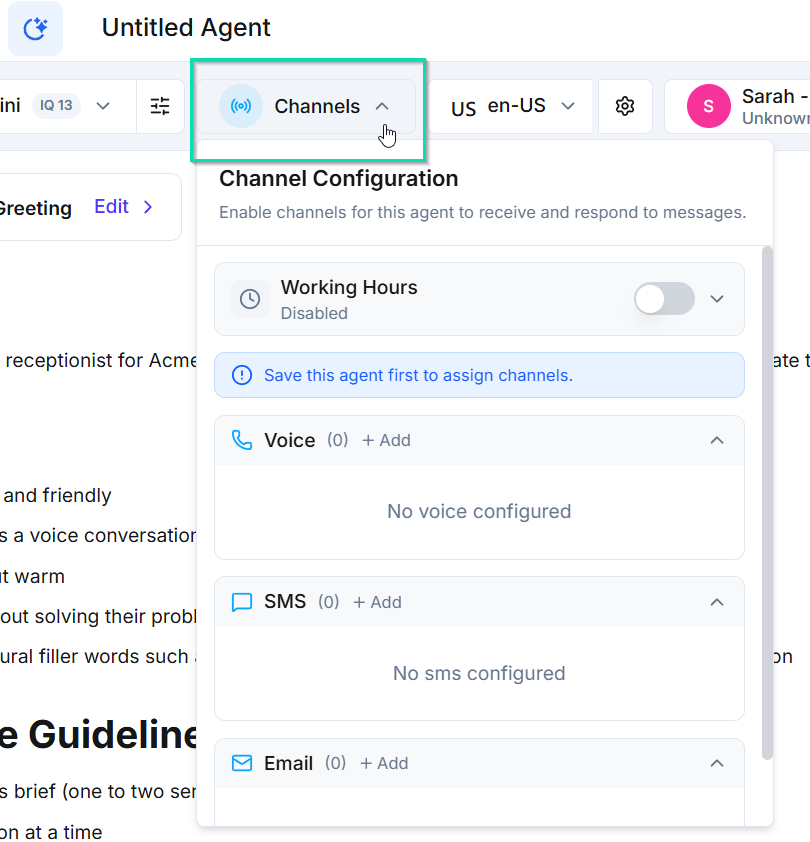
Channel & activate
Connect employees only after testing passes.
Notifications
Alert HR about new requests instead of waiting for them to check.
Ready for your HR team.
Connect employees only after every test passes on your installed copy.